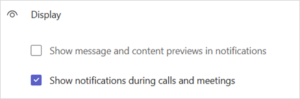
Teams lets you hide message previews but still get the alert – particularly handy when you are showing others content on your screen or presenting.
You can go from this:

to

All you need to do is Click … Settings and more next to your photo
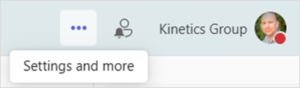
- Click Settings
- Click Notifications and activity
- Update the Display section as follows